|
<< Click to Display Table of Contents >> Installing the license server |
  
|
|
<< Click to Display Table of Contents >> Installing the license server |
|
Please start the installation by double-clicking the installation file.
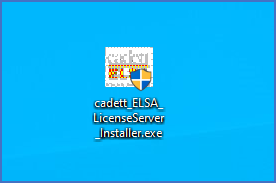
Figure 2466: The installation file located on the desktop
Normally, depending on your Windows policies, you will immediately elevate to administrator, which may require additional access information to be entered. Please refer to the figure below.
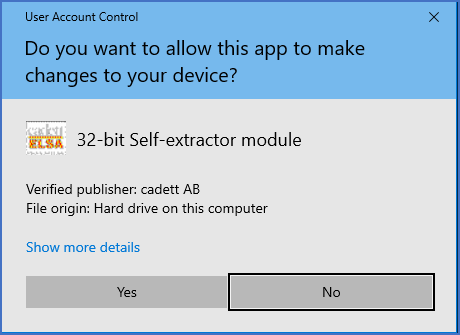
Figure 2467: The installer is elevating to administrator.
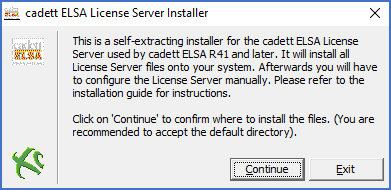
Figure 2468: The "cadett ELSA License Server Installer" has been started.
After a possible elevation, a first dialogue box is presented, as shown in the figure above. Please click Continue to start the procedure and then accept the terms of the license agreement (please refer to the figure below).
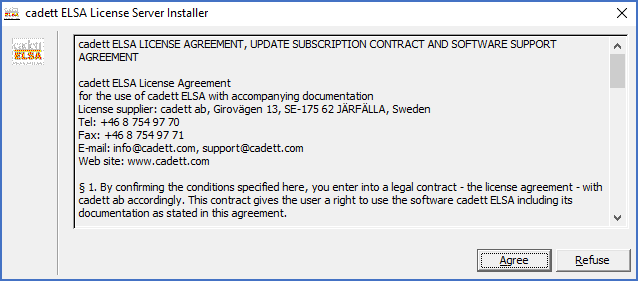
Figure 2469: The License Agreement is confirmed. Please do not forget to check all the legal details with your lawyers!
Next, you will specify the directory in which the license server files should be placed. Please refer to the figure below.
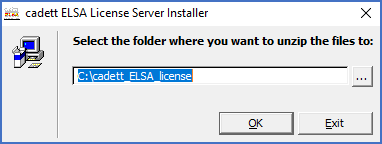
Figure 2470: The directory for the license server is specified here. The default is recommended.
The default directory of the license server will do fine. You should not place the license server in the Program Files folder since license files and log files will be placed in the same directory. Editing of those files, which is necessary, would likely be prevented by security principles if they were placed under Program Files.
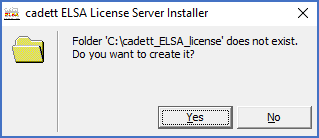
Figure 2471: The creation of the specified directory is confirmed.
Please confirm the creation of the specified directory as shown in the figure above.
When the installation procedure is ready, you will be presented with the dialogue shown in the figure below.
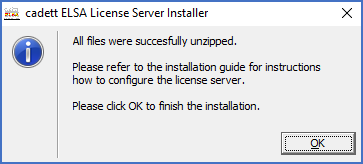
Figure 2472: All files have been extracted and a shortcut has been created.
Please click OK and you are ready to make the necessary configurations, as described in the following sub-topics, which are listed below.
•Setting proper permissions to the cadett_ELSA_license folder
•Configuring the firewall on the server
•Collect data needed to request a license file