|
<< Click to Display Table of Contents >> Installation and Update Guide |
  
|
|
<< Click to Display Table of Contents >> Installation and Update Guide |
|
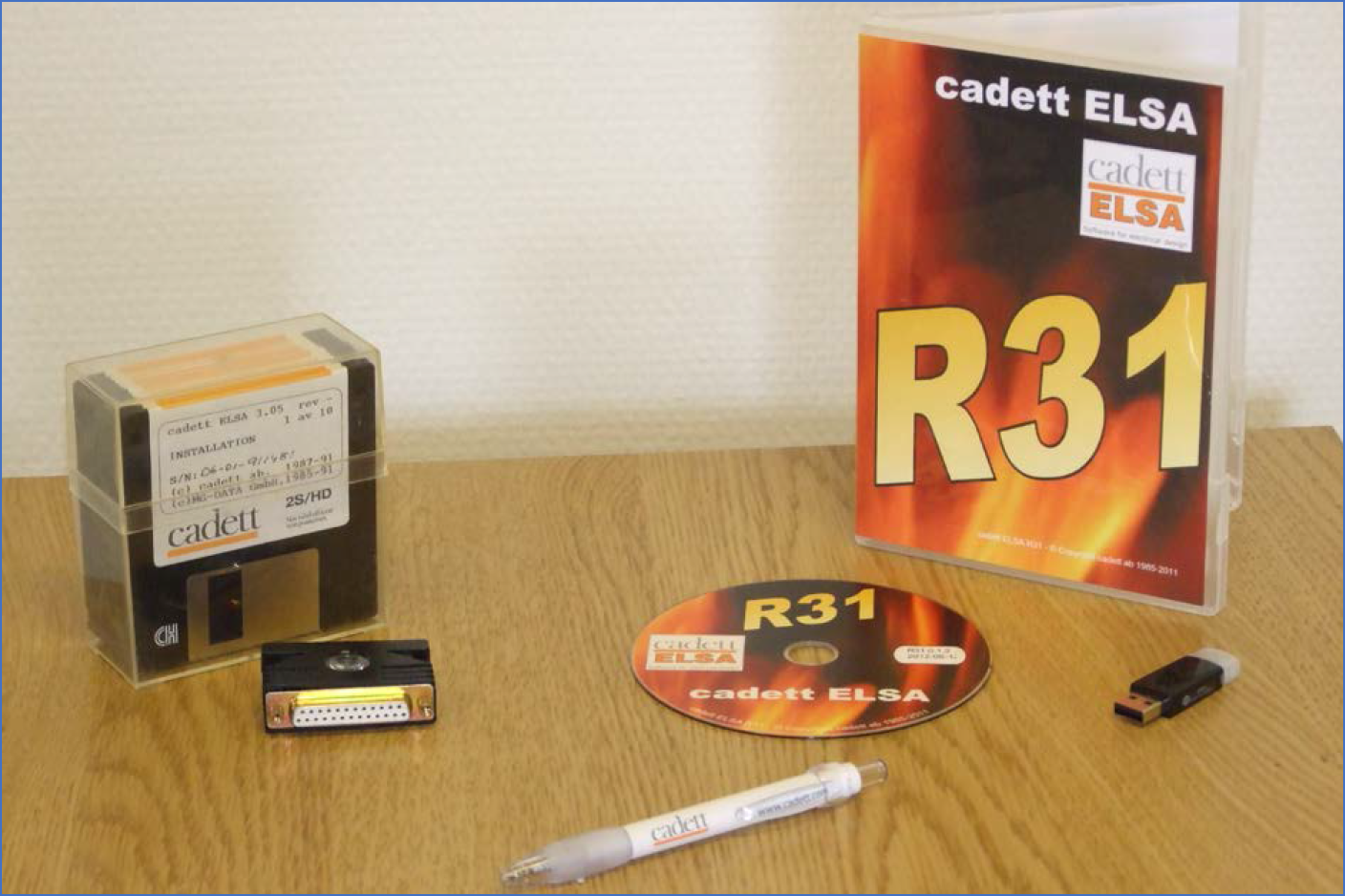
Figure 2309: This figure shows legacy installation packages. To the left, cadett ELSA 3.05 from 1991 with 10 diskettes and a parallel port hardware lock. To the right, cadett ELSA R31 from 2011 with a DVD and a USB port hardware lock. 20 years had passed between them. In 2026, yet another 15 years later, physical media is no longer in use. The software is downloaded as one single executable file from the internet.
The Installation and Update Guide describes how you install or update cadett ELSA on a local computer or in a network.
The procedure is mainly independent of which version of cadett ELSA you are installing. The figures show you an example of how it can look. The appearance varies slightly depending on which version of cadett ELSA and which operating system you are using, but this is mostly of minor importance. If you are using another language than English, the menus will of course be different, but the alternatives are the same anyway.
You are welcome to contact us at cadett if you need any assistance:
Telephone numbers and e-mail addresses are found on our homepage, when needed.
The Installation and Update Guide is divided in several parts, which you can access in the sub-topics that are listed below.
•How to use the Installation Guide
•Installation for thin clients
•Version updates (large updates)
•Revision updates (small updates, incremental updates)
•Import from other cadett ELSA
•Operating system configurations
•Printer and PDF generation configurations
•Moving a local cadett ELSA from one computer to another
•Moving a network installation of cadett ELSA from one server to another