|
<< Click to Display Table of Contents >> The workstation directory is created and files are copied |
  
|
|
<< Click to Display Table of Contents >> The workstation directory is created and files are copied |
|
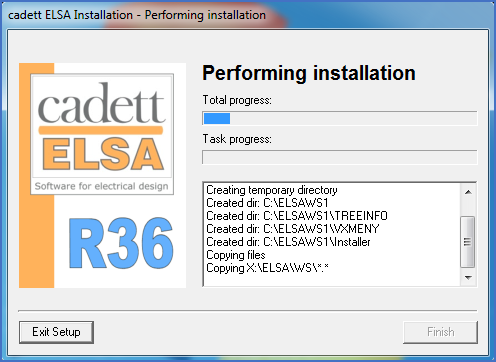
Figure 2383: The files are copied to the workstation directory.
The workstation directory is created and the appropriate files are copied to it. Adjustments are made for the current workstation directory and the cadett ELSA main directory paths.
You can monitor the progress directly in the information window of the installation program.
In the end of the process, the hardware lock drivers for possible use of a local hardware lock on the workstation is installed.
If you have selected to install Solo eXs, that will happen as the next step, which is described in the next topic, listed below.
If you have selected not to install Solo eXs, you can skip the first topic listed below, and go directly to the second one.
•The installation of the workstation is completed