|
<< Click to Display Table of Contents >> The installation of the workstation is completed |
  
|
|
<< Click to Display Table of Contents >> The installation of the workstation is completed |
|
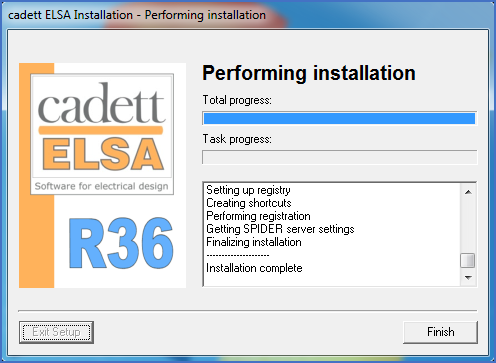
Figure 2384: The installation of the workstation is completed
At the end of the installation process, the program is registered in the registry.
When the workstation installation is finished, you will receive a notification of that and the Finish button that has been grayed out through the entire process will eventually be available for you to click.
Click the Finish button, and then continue with the following steps, the first one described in the topic that is listed below.