|
<< Click to Display Table of Contents >> Running cadett ELSA |
  
|
|
<< Click to Display Table of Contents >> Running cadett ELSA |
|
Start cadett ELSA, either by double-clicking the shortcut on your desktop or in the Start menu.
Figure 2386: Shortcut
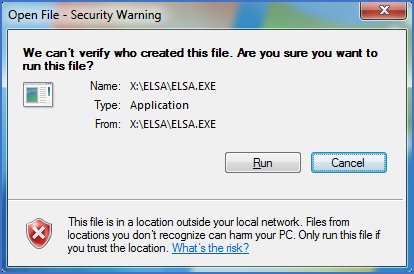
Figure 2387: A "Security Warning" may be issued. Continue by clicking "Run".
Depending on local and/or network security settings, a Security Warning like shown in the figure above may be issued. If so, please click the Run button to continue.
The warning that is shown in the figure above can easily be avoided with a simple configuration. Please refer to a topic named Avoiding a security warning when cadett ELSA is started.
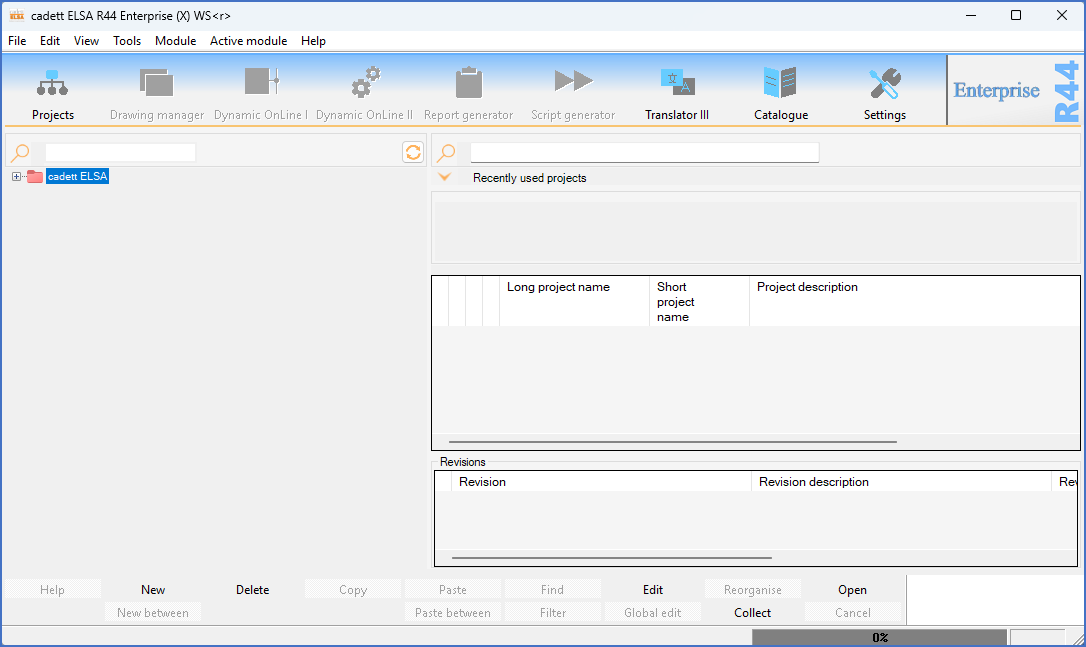
Figure 2388: cadett ELSA when started after a completed installation
If the hardware lock is working properly, the Spider and the firewall settings are correct, the user rights are set in a proper manner and everything else has been made properly, cadett ELSA starts and the main window will be shown like in the figure above.
In most cases, you will however have to make some configurations in order to get things working properly. Please refer to the next topic, which is listed below.
•Configuration of the workstation