|
<< Click to Display Table of Contents >> Multi-terminal macro |
  
|
|
<< Click to Display Table of Contents >> Multi-terminal macro |
|
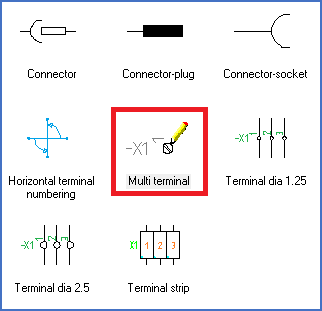
Figure 1625: The Multi-terminal macro is used to insert multi-terminals.
The Multi-terminal macro is found in the a - Terminals resource category in the Symbol Insert Tool, as shown in the figure above.
When you have selected that macro, the following prompt will be displayed in the command line:
--- TERMINAL GROUP ---
My own multi-terminal definition no. 1
Select function Select/Alias/Insert/<eXit>:
The first thing to do is to decide which multi-terminal definition to use. The currently active definition is presented as shown above, directly above the prompt to select function.
If that is the definition that you want to use, you can proceed directly.
If not, you can use the Select option.
If you have one or many Alias definitions in the current project, the following prompt is then displayed:
Select from Definitions/<Alias>:
The Alias option is described in a separate topic. Please refer to that. If there are no Alias definitions available, you will come directly to the Definitions option, where you can select a multi-terminal definition to use.
The Definitions option will display a list of all available multi-terminal definitions, from which you can select anyone, which you do by typing its number.
When the correct definition is thus selected, you can continue with the Insert option.
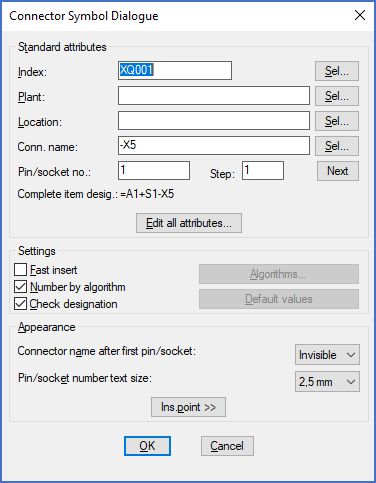
Figure 1626: The same dialogue box as is used for connectors and terminal strips is used for multi-terminals as well.
The dialogue boxes and the prompts that are presented are identical with the ones used for a Terminal strip or a Connector. Please refer to the descriptions of those commands for more details about that.
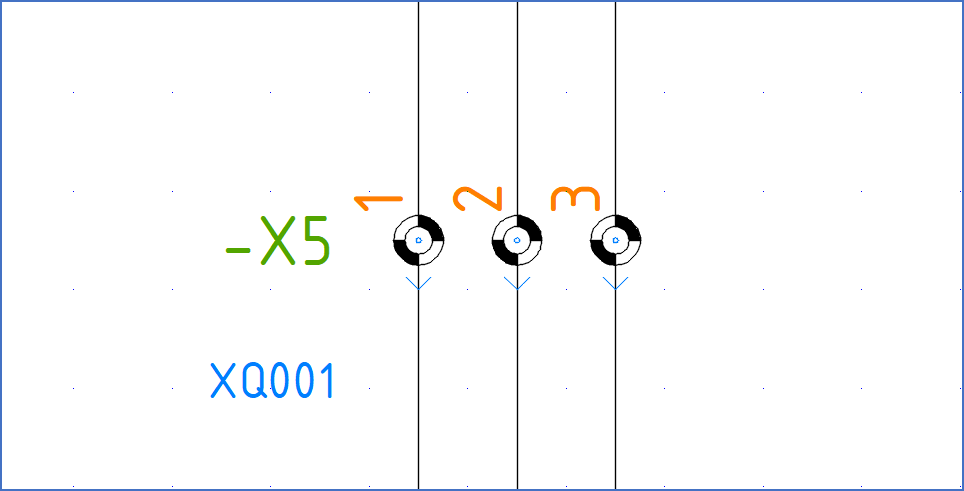
Figure 1627: An example of inserted multi-terminals
The figure above shows an example of inserted multi-terminals. Please note that the external terminal side is marked with an arrow pointing in the external direction. That arrow is placed in the index layer and will thereby normally be hidden in printouts and PDF's.
More information is found in the topics that are listed below.