|
<< Click to Display Table of Contents >> Spider problems |
  
|
|
<< Click to Display Table of Contents >> Spider problems |
|
If the workstation fails to communicate with the Spider database server, an error message will be displayed as shown in the figure below.
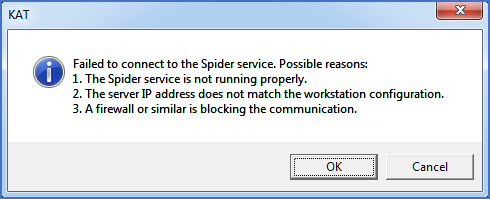
Figure 2392: This error message is displayed when starting cadett ELSA if the communication with the Spider service fails.
The dialogue box accurately describes the three most common reasons for the communication failing.
When creating a new workstation like described here, the one most common reason is a firewall blocking the communication.
If you click the Cancel button, cadett ELSA is terminated.
If you click the OK button, the initialisation of the cadett ELSA workstation continues, but will take a long time (several minutes), and when it is ready, a number of important features will not work. Activating the Catalogue, for example, will give the result shown in the figure below, when the catalogue databases cannot be accessed.
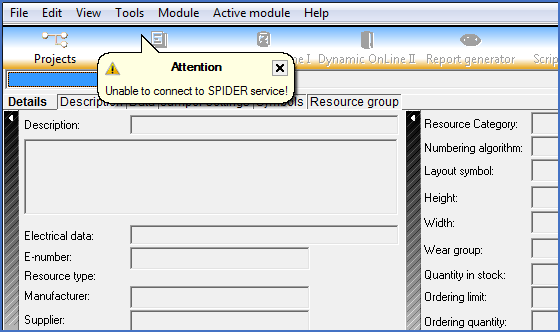
Figure 2393: Error message in the Catalogue caused by failed Spider communication
To fix this problem, please refer to the Firewall settings topic.
When the Spider communications work as they should, you can continue with the next step, which is described in the next topic listed below.
•Avoiding a security warning when cadett ELSA is started