|
<< Click to Display Table of Contents >> Pack or Pack/sort button |
  
|
|
<< Click to Display Table of Contents >> Pack or Pack/sort button |
|
The button to the right will immediately perform either only a packing, or both a packing and a sorting, depending on the state of the Pack/sort check-box.
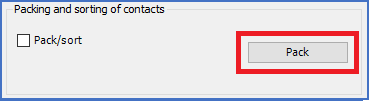
If the Pack/sort check-box is unchecked, like in the figure below, the button will only be named Pack, and clicking the button will perform a packing only.
If, on the other hand, the Pack/sort check-box is checked, like in the figure below, the button will be named Pack/sort., and clicking the button will perform both a packing and a sorting.
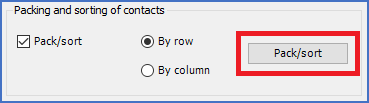
Sorting when applicable, will be made according to the radio buttons.