|
<< Click to Display Table of Contents >> Installation details |
  
|
|
<< Click to Display Table of Contents >> Installation details |
|
The DYN_WS.INI configuration file is located in the cadett ELSA main directory (X:\ELSA or similar). You edit this file by simply double-clicking it, or by opening it from Notepad or any other text file editor.
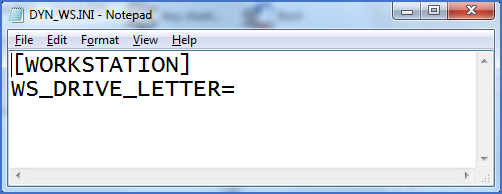
Figure 2410: The content of DYN_WS.INI in an installation not using dynamic workstations.
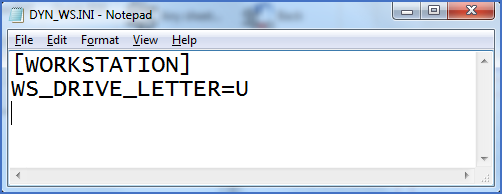
Figure 2411: Example of DYN_WS.INI in an installation with dynamic workstations.
The only thing that needs to be specified is the drive letter that should be used for the workstation directories of dynamic workstations. Please note that the presence of that definition also controls the workstation installation procedure. If the WS_DRIVE_LETTER key has been set to a valid value, a neutral workstation will be selected by default and no other options will be available. If the WS_DRIVE_LETTER key is empty, it will not be possible to select installation of a neutral workstation. (That alternative will be greyed out).