|
<< Click to Display Table of Contents >> Connect local hardware lock |
  
|
|
<< Click to Display Table of Contents >> Connect local hardware lock |
|
To be able to run cadett ELSA, a valid license must be present. Three different license management systems are available. How you proceed now differs slightly depending on which one of them that you will be using.
•Local hardware lock
•Server based hardware lock
•Software based license
If you will use a local hardware lock - meaning a USB device connected directly to the workstation computer - you must connect the lock and the necessary drivers must be installed before you can proceed to run the program.
When a conventional local installation is made, the necessary drivers for a local lock are automatically installed during the main installation. This means that during normal circumstances you will not have to do anything else than connecting the hardware lock to the computer on which you have installed the program.
The appropriate time to connect a possible local hardware lock is now.
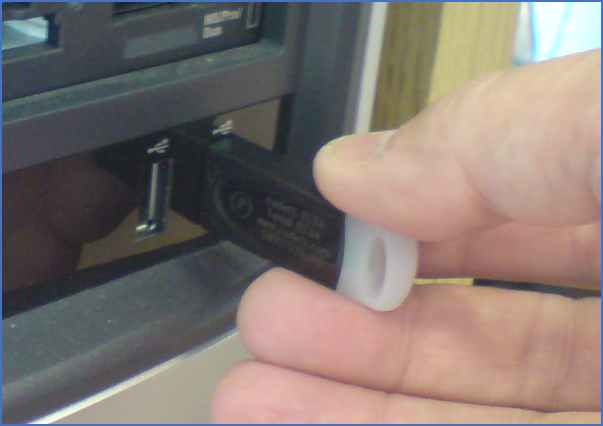
Figure 2337: A hardware lock is connected to a USB port.
A detailed description of possible hardware-lock installation problems and solutions, including server based hardware locks, is found in xxxxxxxxxxxxx
If you will be using a server based hardware lock, xxxxxxxxxxxxxxx
If you will be using a software based license, you can proceed to the next topic, which is listed below.
•Install software based license manager