|
<< Click to Display Table of Contents >> System |
  
|
|
<< Click to Display Table of Contents >> System |
|
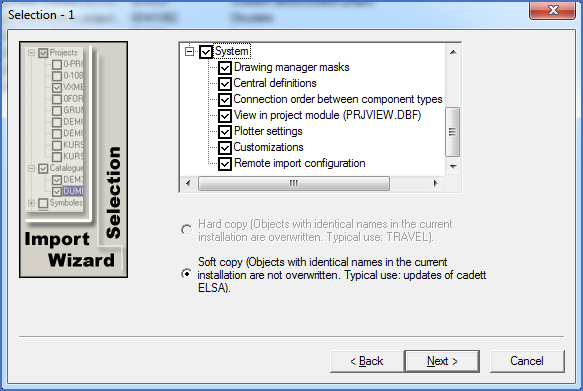
Figure 2553: Selection of system settings and data to import
The last group in the first part is the most diverse. Here you will find no less than seven subgroups. There are however no further options. You can only select which of the seven subgroups you want to import.
Several of the subgroups that are described below are useful when importing from local installations only. The corresponding settings and data of course exist in network installations as well, but there they are saved individually for each workstation. When making updates of network installations in the recommended way, the workstation directories however remain. Therefore, no import of that data is required.
•Connection order between component types
•View in project module (PRJVIEW.DBF)