|
<< Click to Display Table of Contents >> Move sub-circuits from one Resource category to another |
  
|
|
<< Click to Display Table of Contents >> Move sub-circuits from one Resource category to another |
|
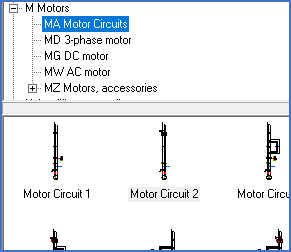
Figure 1247: Sample sub-circuits in a separate resource category
Any alterations to sub-circuits, regardless of how they have been created, are made using the Symbol Generator. That is the case also for moving them from one Resource category to another.
In the next topic, which is named Modify sub-circuits, you will find a description how to make changes to sub-circuits.