|
<< Click to Display Table of Contents >> Edit content of mask file |
  
|
|
<< Click to Display Table of Contents >> Edit content of mask file |
|
If you select a mask and click the Open button in the toolbar, the corresponding mask file is opened using Notepad, allowing you to edit its contents freely.
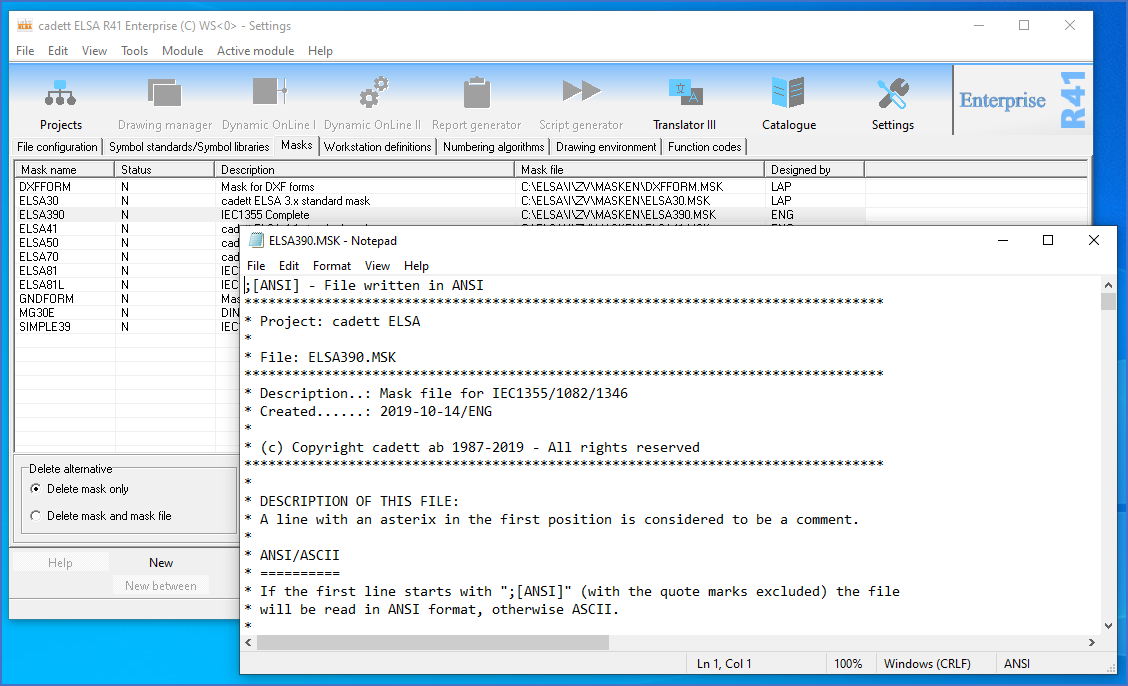
Figure 688: When selecting a mask and then clicking the "Open" toolbar button, the assiciated mask file is opened in Notepad, as shown here.
Please refer to the Mask file details sub-topic for a detailed description of the mask file syntax and file format.