|
<< Click to Display Table of Contents >> Boundary boxes |
  
|
|
<< Click to Display Table of Contents >> Boundary boxes |
|
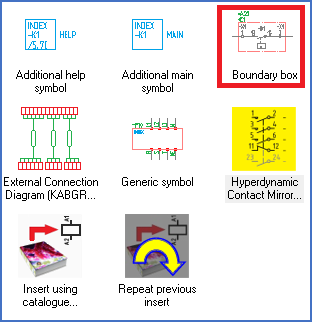
Figure 1429: The "Boundary box" command
A Boundary box defines an area of a circuit diagram where function (plant), location, and/or product (circuit) differs from the rest of the same sheet, which means that it differs from what is specified in the drawing frame, in most cases in the upper left corner. An example of such a Boundary box is shown in the figure below.
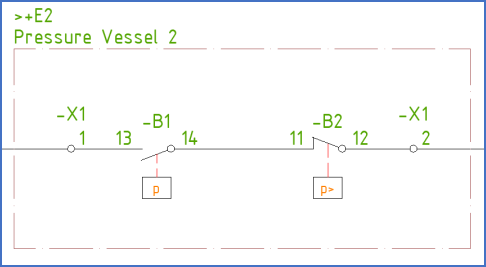
Figure 1430: A boundary box in a circuit diagram
The description of boundary boxes in general and the commands that you use to handle them, is divided in four sub-topics that are listed below.
•Non-rectangular boundary boxes