|
<< Click to Display Table of Contents >> Print… |
  
|
|
<< Click to Display Table of Contents >> Print… |
|

This is the standard AutoCAD PLOT command, used to print the current sheet. A dialogue box as showed in the figure below gives access to all applicable settings. Please note the complexity, which makes this way of printing unnecessarily difficult. Therefore, other more effective methods are recommended, like Plot Script 1 – 5 described in the next topic.
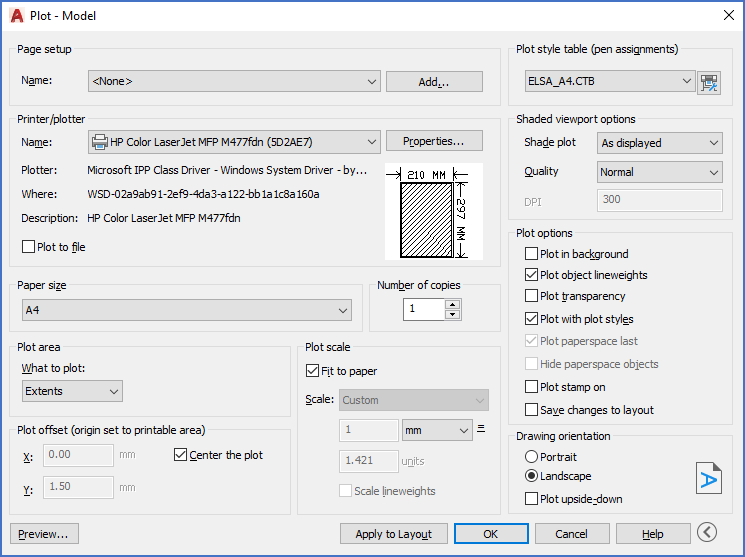
Figure 738: The "Plot" dialogue, which unfortunately cannot be regarded as simple or easy to use